In the fast-paced world of Valorant, every millisecond counts. Players know that while sharp aim and quick reflexes are crucial, the right graphics settings can be the secret sauce to victory. Imagine standing on the brink of a clutch moment, only to be let down by lag or blurry visuals. Yikes! It’s time to ditch those pixelated nightmares and unlock your game’s full potential.
Overview of Valorant Graphics Settings
Optimizing graphics settings in Valorant plays a crucial role in achieving smooth gameplay. Players can enhance performance while maintaining visual clarity through careful adjustments. Various settings exist that directly impact how the game appears and feels, which can influence players’ overall experience.
Resolution affects how clear the game visuals appear. A lower resolution may result in less detail but allows for higher frame rates. V-Sync reduces screen tearing, but turning it off typically leads to quicker responses. Texture quality impacts the details on surfaces and characters; high-quality textures provide depth but demand more from the graphics card.
Shadow quality defines the realism of lighting in the game. Lowering this setting can improve frame rates by reducing the workload. Anti-aliasing smooths out jagged edges, enhancing the visual experience. However, this feature can be demanding; many players opt for lower settings to maintain fluidity.
Effects quality includes visual elements like smoke and explosions. Tweaking these settings can improve clarity during intense moments. Ambient occlusion adds depth to light and shadow, impacting visual fidelity without significant performance costs.
Focusing on frame rate is essential; stable high frame rates contribute to better responsiveness. Players often prioritize maintaining above 60 frames per second for competitive play. Ultimately, finding the right balance between performance and visual fidelity helps maximize gaming potential in Valorant.
Importance of Optimal Graphics Settings
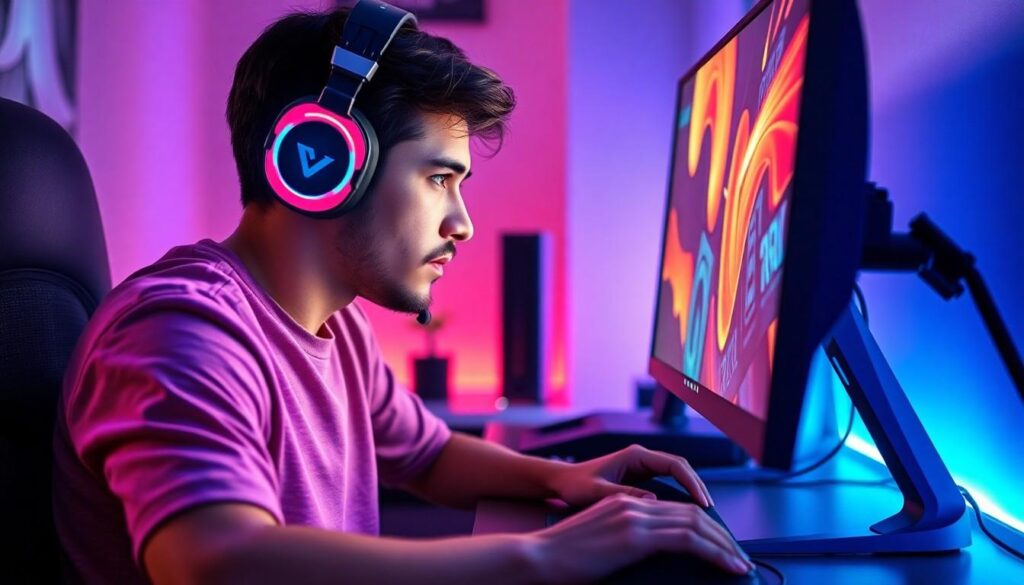
Optimal graphics settings play a crucial role in enhancing overall gameplay in Valorant. Players achieve significant advantages through settings tailored to their hardware performance and individual preferences.
Impact on Gameplay
Strong performance impacts decision-making and reaction times. Reducing lag allows for quicker responses during high-pressure situations. A higher frame rate leads to smoother animations, enabling players to track opponents more effectively. Enhanced visuals can assist in spotting enemies or map details, which are critical for strategic planning. Adjusting settings can lead to better awareness and improved performance in various scenarios.
Visual Quality vs. Performance
Finding a balance between visual quality and performance requires careful consideration. Some graphics settings prioritize enhanced detail while others focus on maintaining frame rates. Lowering shadow and texture quality often increases FPS, improving gameplay fluidity. However, high-quality settings may provide richer visuals, making it easier to evaluate the game environment. Players must determine their priorities and adjust accordingly, ensuring they enjoy both clarity and competitive performance.
Best Valorant Graphics Settings for Competitive Play
Optimizing graphics settings is crucial for achieving peak performance in Valorant. Players must adjust their settings to create a balance between visuals and responsiveness.
General Settings Recommendations
Resolution impacts both clarity and speed. A resolution of 1920×1080 is recommended for most players to maintain high frame rates. V-Sync should be disabled, as it may introduce input lag during gameplay. Players benefit from enabling the option for full-screen mode, which maximizes available resources. Additionally, adjusting the contrast setting enhances visibility, helping to spot enemies and details more easily.
Specific Graphics Options
Texture quality should typically be set to low or medium to boost FPS, ensuring smoother performance. Shadow quality often requires reduction for gameplay fluidity; lowering it minimizes distractions from enemy movements. Anti-aliasing settings can be turned off, which improves frame rates without sacrificing essential details. Effects quality should be kept at low or medium, reducing resource consumption while maintaining functionality. Lastly, ambient occlusion can be disabled, helping to further optimize performance during intense matches.
Best Valorant Graphics Settings for Casual Play
Optimizing graphics settings in Valorant enhances enjoyment while maintaining fluid gameplay. Players often pursue a balance between visual quality and performance to ensure smooth experiences.
General Settings Recommendations
Full-screen mode boosts performance significantly. He or she should set the resolution to 1920×1080 for clarity, while maintaining mid to high refresh rates. Disabling V-Sync reduces input lag, allowing faster response times during gameplay. Adjusting contrast settings enhances visibility in various environments. Texture quality in casual play can be set to medium for decent visuals without sacrificing too much FPS. Finally, lowering detail settings for shadows minimizes visual clutter, enhancing focus during matches.
Specific Graphics Options
Reducing shadow quality minimizes distractions, improving overall gameplay clarity. Anti-aliasing can be turned off to gain additional frame rates without compromising sharpness. Keeping effects quality low conserves system resources, ensuring smoother animations. Ambient occlusion often adds unnecessary load; disabling it optimizes performance during intense moments. Players may also consider adjusting texture filtering to balance visual fidelity and frame rates effectively. This combination of adjustments yields better performance conducive to enjoyable casual play.
Conclusion
Optimizing graphics settings in Valorant can make a significant difference in gameplay. Players who prioritize performance alongside visual clarity can enhance their overall experience. By adjusting settings such as resolution texture quality and shadow detail players can achieve a smoother and more responsive gaming environment.
Finding the right balance between visual quality and performance is crucial whether competing or playing casually. With the right configurations players can improve their reaction times and decision-making skills which ultimately leads to greater success in matches. Embracing these adjustments will not only elevate individual gameplay but also contribute to a more enjoyable experience in the vibrant world of Valorant.