Valorant fans know the thrill of a perfect headshot, but nothing kills the vibe quite like an unexpected crash. Picture this: you’re in the zone, your team’s counting on you, and suddenly—bam! The game freezes, leaving you staring at a loading screen that feels like it’s mocking your skills.
Overview of Valorant Crashing Issues
Valorant crashes can occur due to various technical reasons. Players often experience sudden disruptions during gameplay, impacting performance and enjoyment. Hardware limitations frequently contribute to crashes, especially when the game demands more resources than the system can provide.
Outdated drivers also play a significant role in game stability. Graphics card drivers that lack recent updates may struggle to handle the game’s graphical demands, causing crashes. In addition, system files may require repair or updates to ensure proper game operation. Corrupted game files can lead to unexpected freezing, so verifying game integrity helps resolve this issue.
Network instability emerges as another common issue contributing to crashes. Ping spikes and connectivity problems force the game to terminate, disrupting the gaming experience. Moreover, improper configurations in game settings might lead to crashes. Adjusting graphics settings or resetting configurations to default can mitigate such issues.
Lastly, background applications often consume significant system resources. Resource-heavy software, like streaming or recording applications, can conflict with Valorant. Closing such programs before launching the game may enhance stability and performance.
Understanding these various causes assists players in addressing and resolving crashing problems effectively. Making strategic adjustments ensures a smoother and more enjoyable Valorant experience.
Common Causes of Crashes
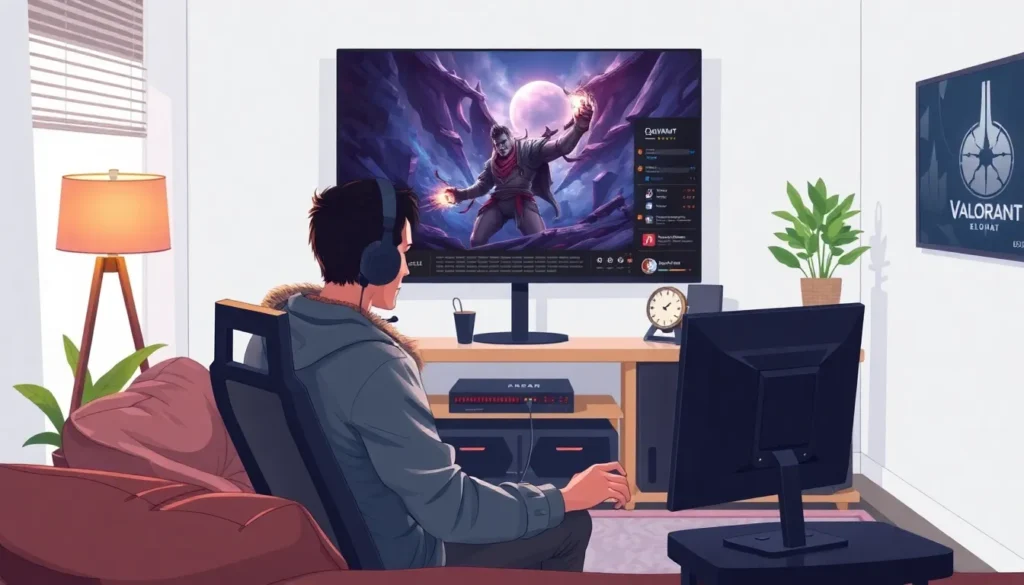
Various factors contribute to Valorant crashes. Identifying these issues helps players enhance game stability.
Hardware Requirements
Meeting the game’s hardware requirements is essential. Low-end graphics cards can struggle with rendering, leading to freezes. Insufficient RAM may result in poor performance during intense gameplay. Players often notice crashes on systems lacking proper CPU capabilities as well. Upgrading hardware components can significantly improve gaming experience.
Software Conflicts
Conflicts with other software programs often lead to crashes. Background applications consuming high CPU or memory resources impact Valorant’s performance. Firewalls or antivirus programs sometimes interfere with game connectivity, causing errors. Running older versions of drivers can also introduce compatibility issues. Closing unnecessary applications and updating drivers helps minimize these conflicts.
Network Issues
Network stability significantly affects game performance. High ping or fluctuating connection speeds contribute to crashes during matches. Packet loss occurs when data packets fail to reach the server, causing interruptions. Unstable internet connections often result from inadequate bandwidth or router malfunctions. Using wired connections instead of Wi-Fi can enhance stability and reduce disruptions.
Troubleshooting Steps
Players experiencing crashes in Valorant can take several steps to stabilize their gaming experience. These troubleshooting methods address common technical issues and aim to enhance overall performance.
Checking System Requirements
Confirming that the system meets the minimum requirements for Valorant is essential. The game necessitates at least an Intel Core 2 Duo E8400 processor and a 4 GB RAM allocation. Players with older graphics cards may face performance issues. Ensure the operating system is compatible, typically requiring Windows 7/8/10. Running the game on a system that meets or exceeds these specifications decreases the likelihood of crashes.
Updating Drivers
Updating graphics and network drivers significantly affects the stability of Valorant. Outdated drivers create conflicts, as the latest updates usually include important performance enhancements and bug fixes. Players can visit the manufacturer’s website to download the most recent drivers. Checking for updates regularly maintains optimal performance. Additionally, using the device manager on Windows allows players to install driver updates efficiently.
Repairing Game Files
Repairing any corrupted files in Valorant can resolve crashing issues effectively. The Riot Games client provides a built-in feature for this purpose. Access the game settings, select the “Verify” option, and let the client check for any missing or damaged files. Replacing these components ensures a smoother gameplay experience. Players should routinely perform this check after major updates to prevent potential crashes.
Preventative Measures
Taking proactive steps can minimize the chances of Valorant crashing during gameplay. Players can enhance their experience by following specific guidelines.
Optimizing System Performance
Ensuring optimal system performance proves crucial in preventing crashes. Meeting the game’s hardware requirements remains essential, with recommended specifications including an Intel Core i3-4150 processor and 4 GB of RAM. Upgrading hardware components reduces the risk of performance-related crashes. Regularly updating drivers, especially for graphics and network devices, improves stability and compatibility. Closing unnecessary background applications helps free up system resources, allowing Valorant to run smoothly. Managing system temperature by keeping ventilation clear and cleaning dust from fans prevents overheating, which can lead to sudden crashes.
Adjusting In-Game Settings
Tweaking in-game settings can significantly enhance performance and reduce crashes. Lowering graphics settings minimizes the load on the system, making it easier for older hardware to manage the game. Disabling unnecessary visual effects enhances frame rates and stability during gameplay. Setting the display mode to fullscreen generally improves performance and reduces graphical glitches. Adjusting the resolution to match system capabilities provides a smoother experience. Implementing these adjustments leads to better performance and potentially avoids frustrating interruptions during critical gameplay moments.
Valorant players facing crashes can find relief by understanding the underlying causes and implementing effective solutions. By addressing hardware limitations and ensuring system compatibility, players can significantly improve their gaming experience. Regularly updating drivers and optimizing in-game settings are essential steps that can prevent frustrating interruptions.
Additionally, managing background applications and maintaining a stable network connection can further enhance gameplay stability. With these strategies in place, players can focus on their performance and teamwork without the worry of unexpected crashes disrupting their matches. A smoother gaming experience awaits those who take the time to optimize their systems.